Recipes
Start with a small idea and build on it. Each recipe includes a preview rendered by the svertik engine, the complete scene JSON, and instructions for rebuilding it in the editor.
Download a scene, open it in svertik, and change the stack to make it your own.
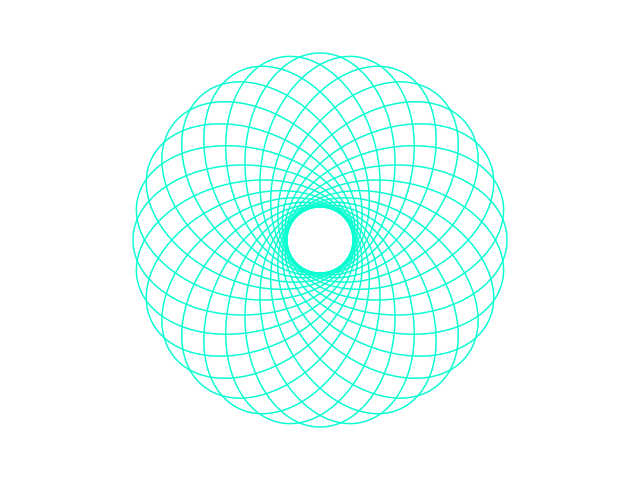
Radial rosette
Turn one outlined ellipse into a radial pattern with Clone.
Ellipse → Clone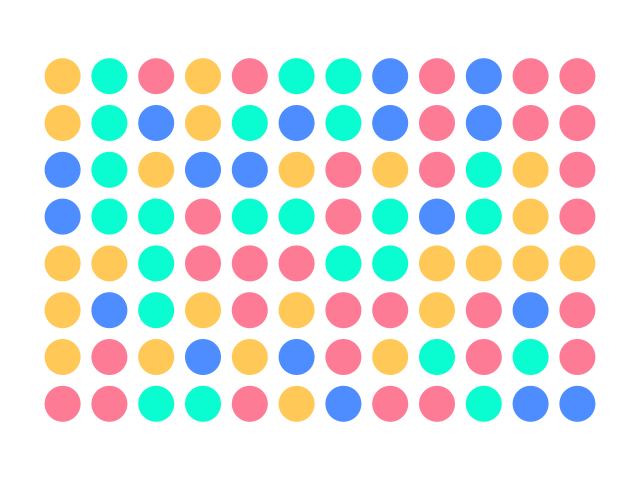
Palette grid
Build a repeatable color study from one circle and a seeded palette.
Ellipse → Clone → Color
Wave ribbons
Repeat a thin rectangle, then deform the whole field into flowing bands.
Rectangle → Clone → Wave → Color
Endless orbit
Use a time expression to keep a radial arrangement moving beyond the timeline.
Ellipse → Clone → Color + time expression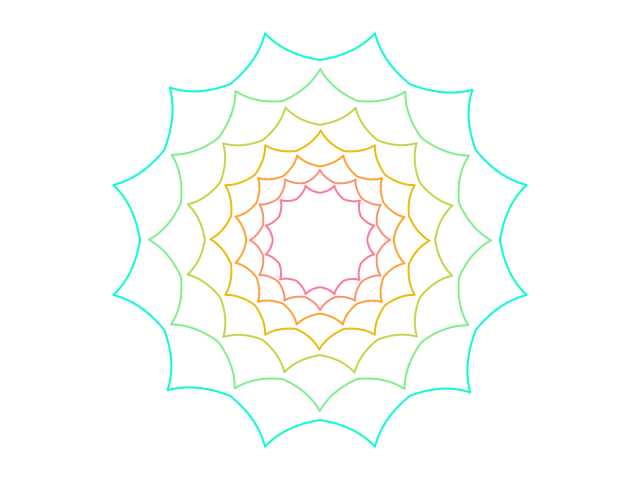
Nested stars
Shape one outlined circle into a star, then repeat it smaller and turned.
Ellipse → Spikes → Clone → Color
Ink blot
Bend an ellipse with noise and reflect it into a symmetric blot.
Ellipse → Noise → Mirror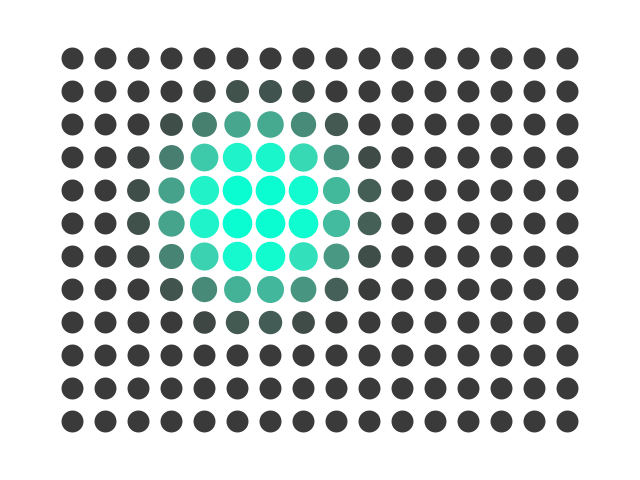
Spotlight grid
Light part of a dot grid with a circular Field that repaints and enlarges the dots inside it.
Ellipse → Clone → Field → Paint + Transform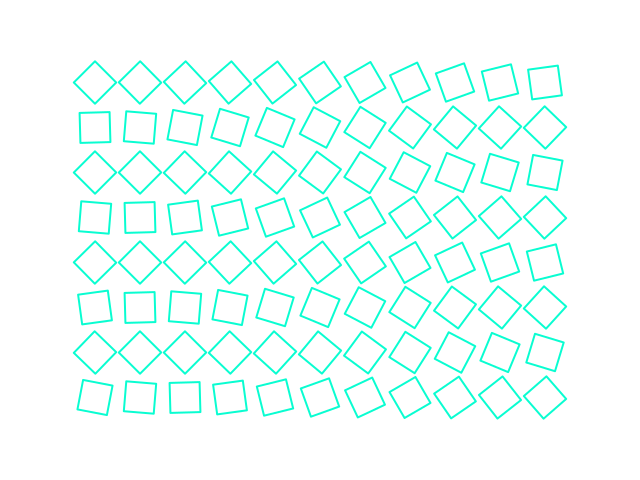
Breathing tiles
Turn a grid of squares in a looping wave with Oscillate.
Rectangle → Clone → Oscillate → TransformMore scene templates
Section titled “More scene templates”The JSON template collection contains six larger setups: kinetic typography, a procedural mandala, cyberpunk glitch, organic metaballs, mechanical orbits, and a risograph-style print.
Working with the scenes
Section titled “Working with the scenes”- In the editor: download a recipe’s JSON and open it or drag it onto the editor.
- From the terminal: run
pnpm svertik render recipe.json -o result.svgfrom the main svertik checkout. - For animation: press Play in the editor. Preview images here are static; an exported SVG is a still frame.
The downloadable recipes are validated against the current engine schema. Their source shapes and effects remain editable.