Radial rosette
Turn one outlined ellipse into a radial pattern with Clone.
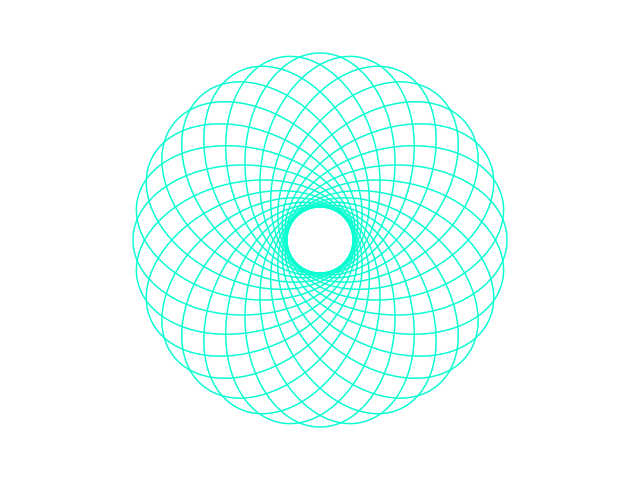
Beginner · Ellipse → Clone
Download scene JSON · Open SVG preview
Try it in the editor
Section titled “Try it in the editor”Download the JSON file and open it in svertik with Open or by dragging it onto the editor. The scene is complete and editable.
Build it step by step
Section titled “Build it step by step”- Add an Ellipse with Width 150 and Height 220. Turn Fill off and Stroke on; use turquoise and a 1.5 px stroke.
- Add Clone. Set Mode to Radial, Count to 28, Radius to 0.35, and leave Align enabled.
- Vary Count for a denser pattern, Radius to open the center, or the ellipse proportions to change the petals.
Render it from the terminal
Section titled “Render it from the terminal”Run this from the main svertik checkout, replacing the input path with the downloaded file:
pnpm svertik render radial-rosette.json -o radial-rosette.svgComplete scene
Section titled “Complete scene”{ "version": 1, "notes": "Build a turquoise radial rosette from one outlined ellipse. Keep the original shape editable.", "document": { "width": 640, "height": 480 }, "objects": [ { "kind": "shape", "id": "rosette", "name": "Rosette", "shape": "ellipse", "params": { "width": 150, "height": 220, "fill": false, "stroke": true, "strokeColor": "#09fdd1", "strokeWidth": 1.5 }, "stack": [ { "id": "rosette-clone", "type": "clone", "params": { "mode": "radial", "count": 28, "radius": 0.35, "align": true } } ] } ]}